

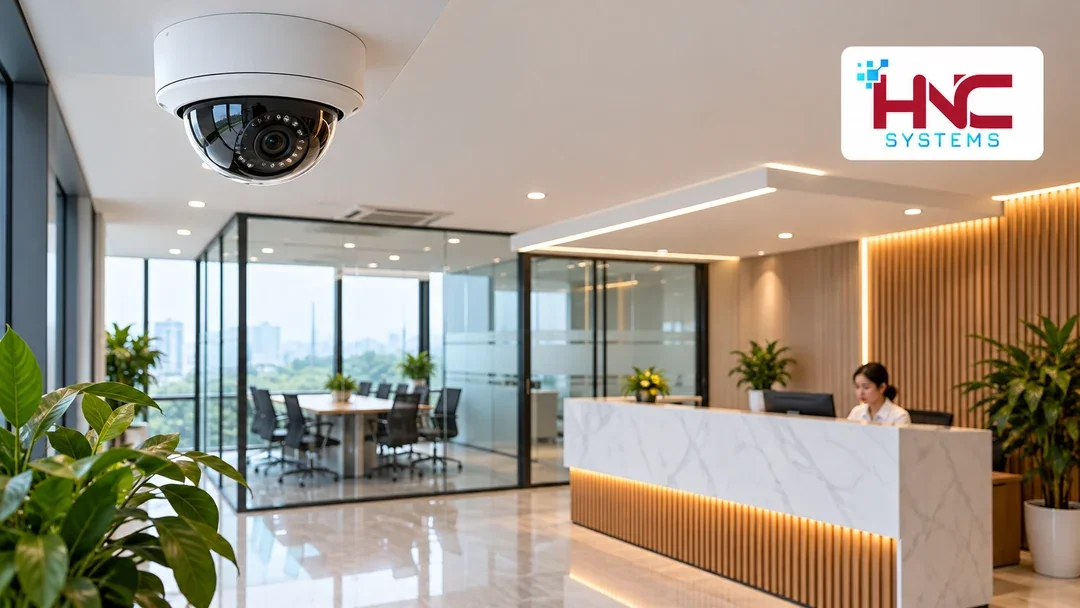
A plan for office cameras in Hung Yen should support entrance management, visitor reception and asset handovers without recording more than necessary. Appropriate placement starts by identifying areas with a clear observation purpose, then checking what information may unintentionally appear in the frame.
In an office, the experience of employees and visiting guests also matters. Cameras should be installed neatly, be easy to maintain and have an agreed scope for the use of footage.
Prioritize reception, entrances and delivery areas
Reception and visitor access
A lobby camera can help verify arrival times or events at the entrance. The angle should provide enough context while avoiding direct views of screens, visitor registers or documents on the counter. Check glass doors and outdoor light, as these may leave people entering the building underexposed.
Parcel and asset receiving areas
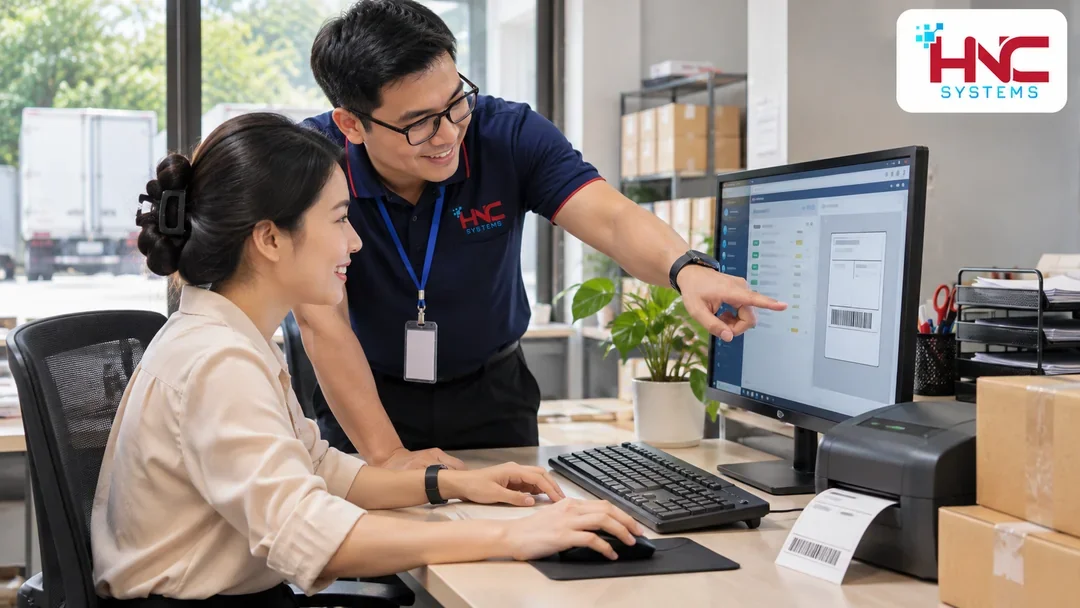
For parcels, the usual aim is to see the handover and the time goods enter temporary storage. A dedicated location can be chosen for this activity instead of leaving parcels scattered around desks. Do not expect a camera with a wide field of view to read every small label.
Corridors and restricted-area entrances
Corridor coverage should follow movement routes. At equipment-room or storeroom entrances, check whether an open door blocks the view of people entering and leaving. Do not place cameras in toilets, changing rooms or similarly private spaces.
Limit the frame to its intended purpose
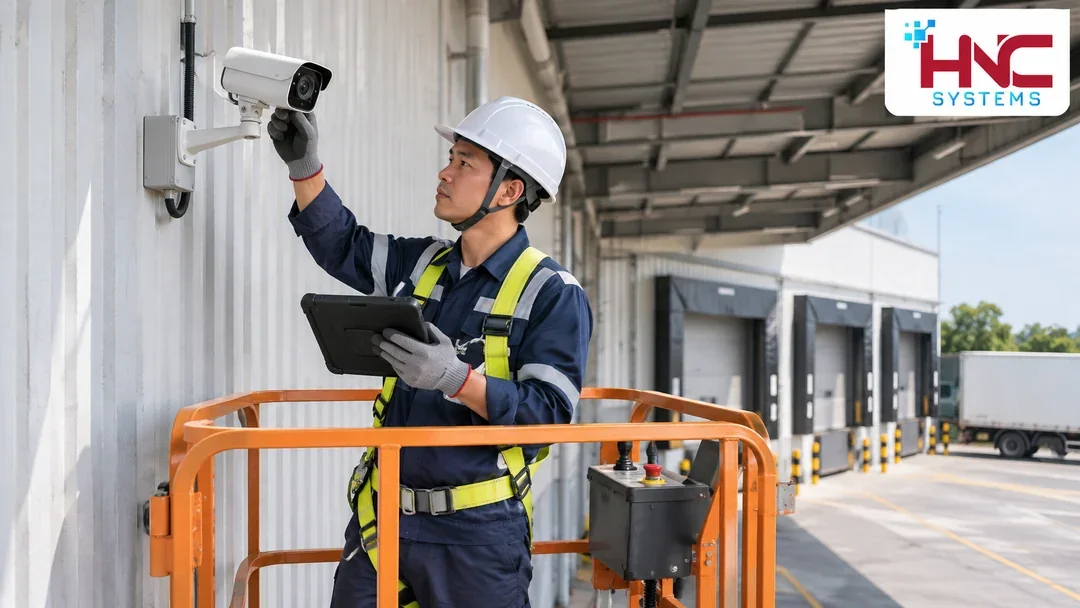
When surveying office cameras in Hung Yen, stand at the proposed mounting position and list what the camera will see. Work screens, customer documents, meeting boards and areas outside the premises may enter the frame even though they are not part of the original objective.
Prioritize adjusting the direction or mounting position to narrow the view. If privacy masking is supported, test live views, recordings and exported videos to establish where masking applies. Enabling one option should not be treated as completing the checks.
Agree on recording and usage permissions
Before operation, clarify the recording purpose, authorized viewers, retention period and how export requests will be handled. Communicate recording information clearly in the relevant areas according to company procedures and applicable requirements.
Do not enable audio recording by default. If it is needed, assess its purpose, scope and notification arrangements separately before configuration. The responsible company representative should review specific legal issues for the actual situation.
- Separate live-view, playback and export permissions where the solution supports this.
- Do not share administrator accounts with people who only need to view images.
- Review rights when employees change responsibilities or leave.
- Agree who approves exports and where exported video clips are stored.
Choose viewing arrangements that suit the office
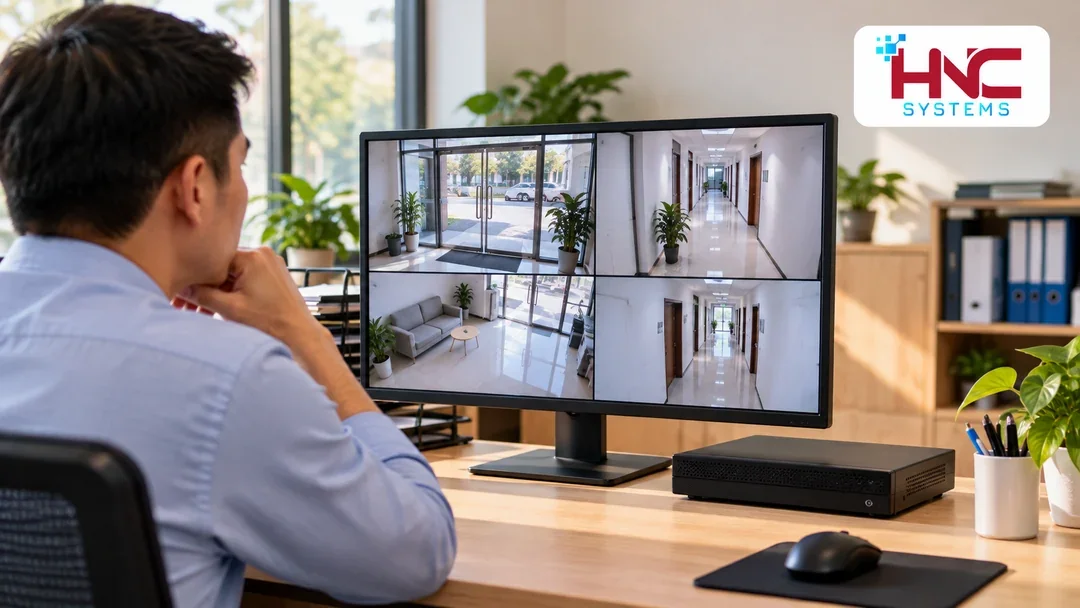
Surveillance screens should not be placed where visitors can see unrelated internal areas. If footage is viewed on a work computer, check performance and how the logged-in session is protected. Coordinate remote-viewing requirements with IT rather than opening unmanaged connections independently.
Naming cameras by location makes retrieval faster. Check recording times across devices, especially when tracing a visitor's movement from the entrance to reception.
Check before handover
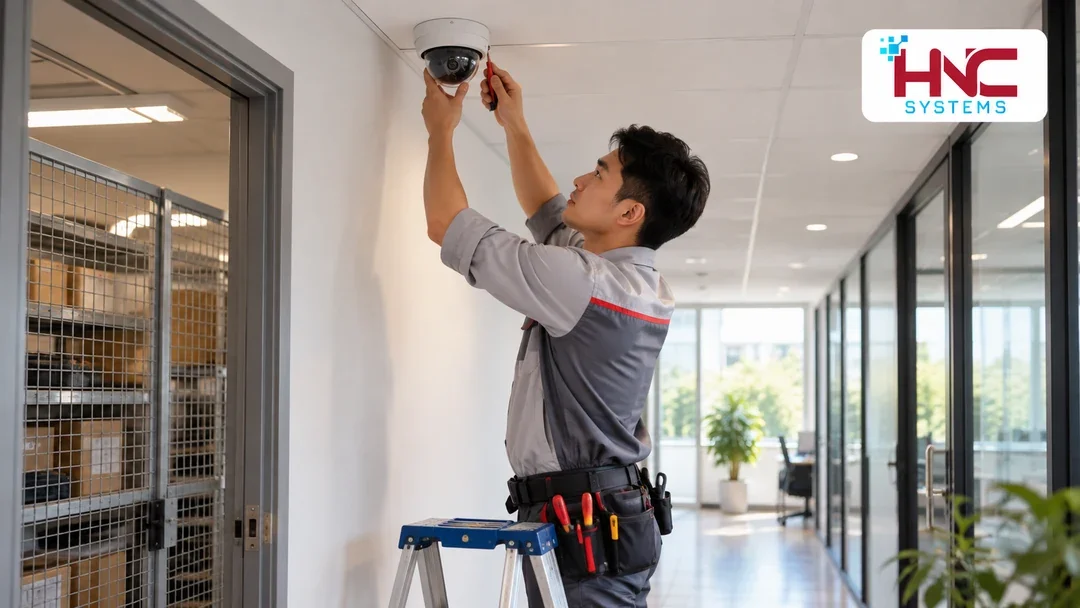
Tests should include someone walking through a doorway, handing over a parcel and moving along a corridor. Check footage under uneven lighting, retrieve the recording and test an export. At the same time, confirm that screens and desk documents are not unintentionally captured.
Retention time is calculated from retrieval needs, camera count and recording settings. Once operation is stable, check the oldest recording still accessible instead of relying only on the equipment's stated storage capacity.
Discuss the approach with HNC Systems
To prepare office cameras in Hung Yen, businesses can provide floor plans, priority areas, working hours and a list of users. HNC Systems is a contact for discussing the survey scope and an approach suited to specific requirements.
HNC Systems · Hotline: 0918.899.229.