

A dispatch office may still need to print shipping instructions after administrative staff have finished for the day. A login problem at shift change can be reported twice yet left without an owner. When considering outsourced IT services in Hai Phong, businesses should start with operating schedules and tasks that must not be overlooked.
1. Start with one specific working shift
Choose a typical shift and map the steps from receiving plans and opening applications to printing documents and handing over figures. Identify the computer, label printer, connection and user needed for each step.
List contacts for each shift, distinguishing the person reporting faults from the person authorized to approve changes. Record handover times, periods when equipment cannot easily stop and areas requiring an escort. Production hours do not automatically mean support hours; duty schedules, holidays and out-of-hours coverage require separate agreement.

2. Classify requests by the work they block
A support ticket should state the shift, failed task, start time, number of affected users and any available workaround. For label-printing problems, distinguish a job that cannot be sent from incorrect formatting or a printer that will not feed paper. Do not include order data in screenshots when it is unnecessary for diagnosis.
Set priority using agreed business impact and urgency, rather than whoever calls most often. Transfer open requests to the next shift contact with their status and next action. The response time, the point when a workaround becomes available and final resolution are three different milestones and should be recorded separately.
3. Define remote and on-site boundaries
Remote support suits user guidance or configuration checks when a device is still connected and permission has been granted. Agree on the target computer and permitted actions before the session. Use a company-approved tool, avoid unrelated data and close the session when the work is finished.
Power, cable, network-port or mechanical printer faults commonly require physical inspection. Confirm the appointment, access conditions and local contact before attendance. Do not disable protection software, share administrator accounts or expose remote access publicly to speed up troubleshooting. Production applications and controllers need their own clearly defined responsibility boundaries.
4. Take over equipment without disrupting an entire shift
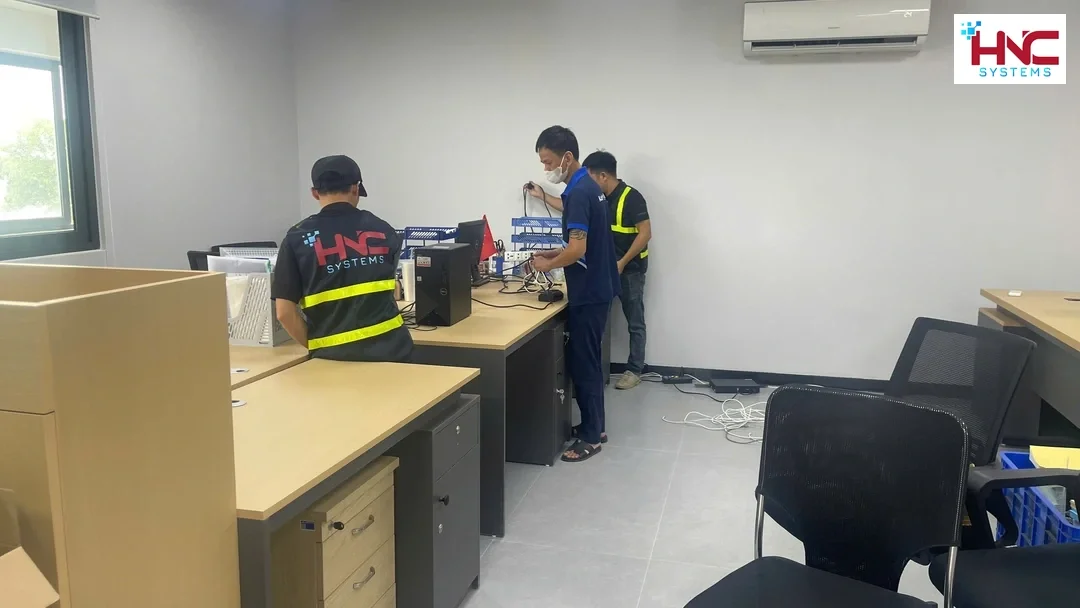
Inventory devices by location and asset identifier, recording the holder, required software and current condition. Mark devices shared between shifts so they are not mistaken for unused machines. Where account, license or configuration ownership remains unclear, record it as unverified rather than assuming management authority.
Test the procedure on a suitable group of computers before wider rollout. For a new employee’s computer, check login, access to the correct folders and printing with a non-sensitive sample. Have the recipient confirm that required tasks work, and record accessories and outstanding faults instead of merely stating that a computer was delivered.
5. Manage access from joining to leaving a role
The department manager should confirm the role and required access before accounts are provisioned. Shared computers should still support identifying the operator where the system allows it. Review old permissions when a person changes roles, rather than simply adding new ones. Support accounts need an owner, minimum necessary privileges and an appropriate validity period.
When an employee leaves or the service ends, the business owner confirms when to revoke access, who receives the data and which devices must be returned. Check sessions, remote permissions and recovery contacts within the approved scope. Do not delete data as a substitute for disabling accounts, and keep passwords out of broadly distributed handover lists.
6. Maintain systems within approved downtime
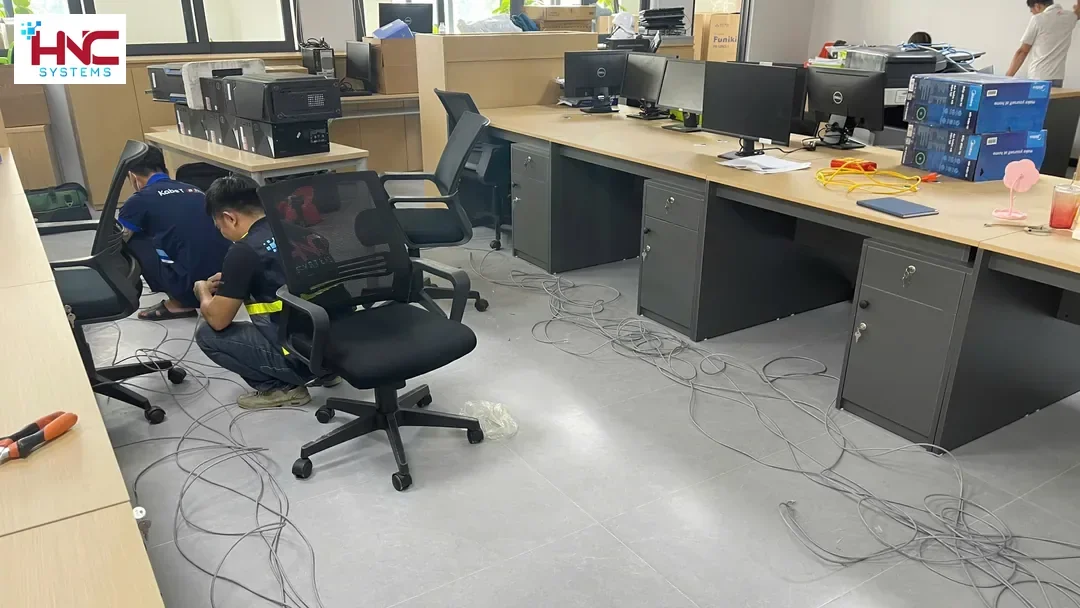
Network-cabinet checks should refer to port diagrams, cable labels and the departments that may be affected. Do not unplug cables merely because they lack labels. For an update or restart, communicate the interruption window, approver and stopping criteria. Save the necessary configuration securely before making changes.
After the work, test actual tasks from a user’s computer: opening applications, accessing permitted files and printing a sample. For data covered by backup, agree on storage, retention and recovery testing in a suitable environment. A network activity light or a successful backup report alone is not sufficient reason to close the job.
7. Hand over results the next shift can use
The service record should describe the symptom, changes made, test results and remaining dependencies. If a workaround is in place, explain its limits and name the person tracking the permanent fix. Requests forwarded to a software supplier still need a follow-up owner; forwarding information is not grounds for closure.
At service termination, provide an updated inventory, configurations approved for transfer, relevant contacts and confirmation that support access has been revoked. The business should verify that it can open the documents and continue managing its systems.
8. Prepare the scope for a discussion with HNC Systems
Businesses in Hai Phong can prepare the number of shifts and users, work locations and tasks that deserve priority. Identify responsibilities already held by internal IT or other suppliers.
Contact HNC Systems on 0918.899.229 to discuss outsourced IT services in Hai Phong. Support hours, response times, covered devices and costs must be confirmed after assessment of the actual environment. This article does not imply continuous coverage, guaranteed recovery times or authority to intervene in every system.