



A live picture on a monitor does not prove that a system can provide the footage needed later. To review a delivery, a manager must select the right camera and time, then open the exported file. Camera maintenance in Hai Phong should therefore check the whole chain from capture to use. This article focuses on assessment and acceptance checks; it does not treat video as automatically valid legal evidence or guarantee recovery of lost data.

1. Choose a test scenario before cleaning
The system owner should identify important areas and tasks, such as reviewing activity at a warehouse door, a receiving point or a walkway. Record the camera identifier, view and search interval. Different objectives need different levels of detail; seeing a person does not mean a shipment label is readable.
Choose footage that may legitimately be accessed and minimize unnecessary personal data. Record the baseline result for comparison after maintenance. If the current view is misaligned or obstructed, consult the owner before redirecting the camera so that another area is not left uncovered.
2. Assess lenses, surroundings and infrared performance
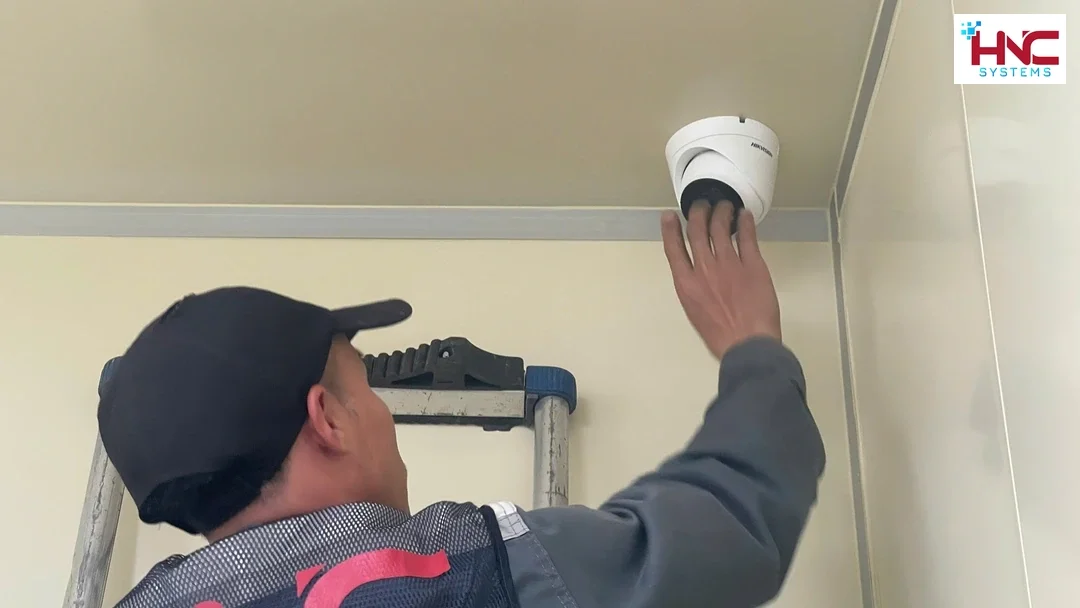
For outdoor cameras, inspect dust, pooled water, housing condition and objects that may block the view. Check backlighting at the loading door at a suitable time. Do not assume every location in Hai Phong has the same environmental exposure; cleaning frequency should reflect the actual installation.
At night, infrared light may reflect from glass, nearby surfaces or spider webs and cause glare. Compare day and night images where conditions allow, and clearly record anything not tested. Clean with materials and methods appropriate to the equipment instructions; avoid chemicals or rubbing that could scratch the glass.
3. Test the recorder with an actual footage search
Using an authorized recorder or application account, select a camera and a time interval known to contain activity. Check the time zone, displayed time and consistency between channels before concluding that footage is missing. Record any clock discrepancy and obtain permission before changing settings.
Play the complete interval rather than relying on thumbnails. Look for frozen frames, time jumps or missing channels. For motion-triggered recording, test under suitable conditions to see whether events are saved as configured. Do not switch to continuous recording or alter quality without assessing storage capacity and obtaining approval.
4. Export a sample and open it outside the recorder
Use an export function supported by the system, selecting a short, relevant interval and an owner-approved destination. Record the camera, start and end times and file format. If a dedicated player is needed, verify an official software source and check that the receiving computer can use it.
Open the file on an appropriate test device to confirm the full duration, correct images and successful playback. Distinguish the original export from any converted copy; do not edit content and describe it as the original. Preservation or use in a dispute requires the organization’s separate procedure, beyond a simple technical finding.
5. Review retention and configuration backups
Check storage-device condition, alerts and the oldest footage that can actually be accessed. Retention depends on channel count, quality, recording mode and usable capacity; do not promise a number of days from the capacity printed on a drive label. Document the conditions at the time of testing.
Back up the configuration if the device supports it, with the owner’s consent and to a secure owner-approved location. Verify the version, creation date and file readability as appropriate; a configuration backup is not a video backup. Do not format a drive, delete footage or test restoration over live data to clear an alert.
6. Inspect junction enclosures and connections safely
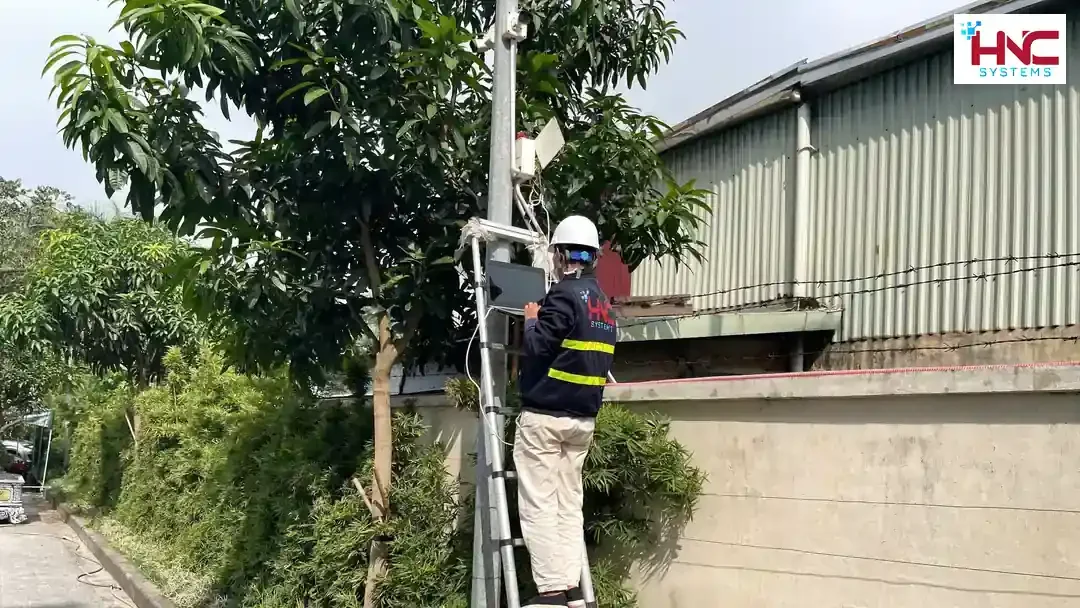
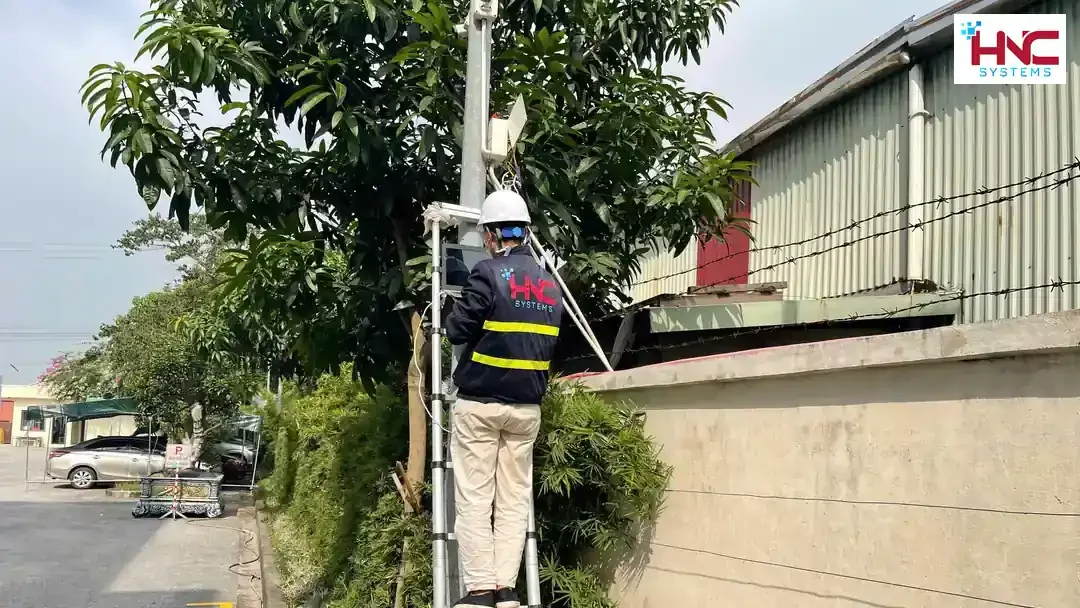
Inspect enclosure covers, cable entries, sealing and signs of moisture or loose connections. Any necessary work on electrical supply components should be carried out only by suitably qualified personnel. Do not open an enclosure or work at height without safe access conditions and an authorized plan.
Identify connections needing attention, replacement materials and expected effects before proceeding. After the work, check both live pictures and newly recorded footage for intermittent connectivity. Do not replace equipment in bulk before identifying the cause or obtaining the system owner’s consent.
7. Hand over owner access and outstanding issues
The owner should verify that their own account can play back, export and manage the system within the agreed scope. Technical accounts should have only necessary privileges; remove support sessions and permissions when no longer needed. Keep passwords out of widely shared reports and do not expose access publicly for maintenance convenience.
The service record should list each tested camera, before-and-after results, the location of delivered sample files and work not performed. Outstanding faults need a reason, impact and next step. Do not mark the entire system as passed if night checks, area access or video export could not be completed or authorized.
8. Discuss a maintenance plan with HNC Systems
Prepare the camera count, recorder type if known, installation locations, suitable inspection times and current symptoms. Identify who can authorize footage access and changes, along with any important video that must be retained. These details help define the assessment scope and coordination requirements.
Contact HNC Systems on 0918.899.229 to discuss camera maintenance in Hai Phong. Scheduling, materials and costs must be confirmed against the actual condition. Acceptance should rely on successful viewing, searching and exporting of an authorized sample, together with a clear list of remaining limitations.