



A useful office surveillance system does not need to watch every desk. For office camera installation in Ninh Binh, start with events staff may need to review: a visitor arriving at reception, someone passing through an entrance or a delivery being handed over. This defines the viewing task while avoiding unnecessary coverage of unrelated areas.
Map The Events That Matter
Trace the route from the main entrance to reception, corridors and the delivery point. Decide whether each view must show general activity or provide a closer view of someone passing. A wide-angle camera covering a lobby may not capture sufficient detail at a distant doorway.
For rented offices across several floors, distinguish shared areas from the space your business controls. Agree access to ceiling spaces, cable routes and power with the property manager before installation.
Keep Coverage Proportionate
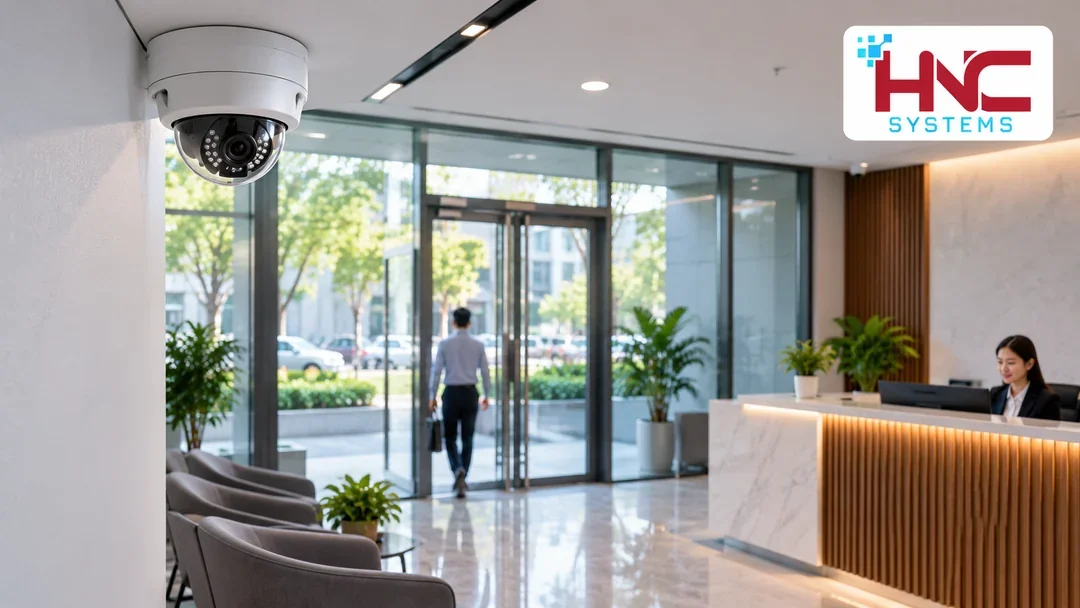
Prioritize entrances, handover points and connections between office zones. Avoid capturing screens displaying sensitive information or unrelated private areas. Do not enable audio recording simply because a camera supports it.
Assign live viewing, playback and export permissions separately. Keep administration accounts distinct from everyday viewing accounts rather than sharing one password across the office.
Test Backlighting And Evening Conditions
Glass entrances can leave a visitor’s face dark against a bright background. Test a person walking through the doorway at different times and inspect recorded footage, not only the live phone view.
Corridor lights switched off after hours can change the result substantially. Include evening conditions in office camera installation in Ninh Binh and adjust the angle or supporting light before accepting the layout.
Check Power And Network Capacity
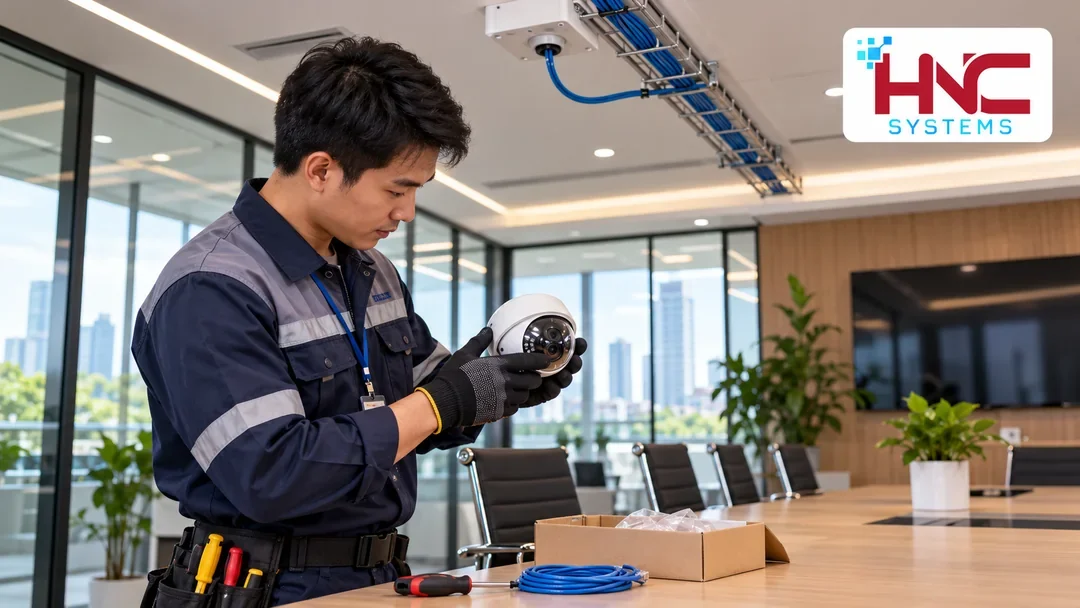
If cameras use PoE, check both port availability and the switch’s power budget. Label cables, keep routes tidy and avoid obstructing doors or escape routes. Place recording equipment in a ventilated location with controlled access.
Retention depends on camera count, recording settings, scene activity and required storage duration. The same disk capacity will not provide identical retention at every office.
Accept The System Through A Complete Event
Ask someone to walk from the entrance to reception, note the time and retrieve the recording. Check footage before, during and after the event, then export a clip and open it on the intended handover computer.
Handover documents should identify camera locations, account permissions and password-change procedures. Record specific retest conditions for any weak view instead of simply describing the picture as unsatisfactory.

Define The Scope And Handover Tests
Businesses in Ninh Binh should prepare a floor plan, operating hours, an inventory of existing equipment and examples of recurring problems. If the office, warehouse and production areas are separate, show the connections between them rather than supplying floor area alone. This helps identify what may be retained and what needs an on-site assessment.
Ask for equipment, materials, installation, configuration and acceptance tests to be itemized. Confirm warranty terms, post-handover support and exclusions. A fixed price or completion date should not be assumed before the site and scope are understood.
Discuss Your Requirements With HNC Systems
Describe the practical outcome you need and share site photographs where available. Contact HNC Systems to discuss the survey scope and a suitable approach. Specifications, the implementation schedule and each party’s responsibilities should be agreed before work begins.
HNC Systems · Hotline: 0918.899.229.