



An easy-to-operate wireless network depends on coordination between access points, the wired network and access policies. When building business Wi-Fi systems in Hung Yen, define the overall architecture before finalizing the equipment list so that each component fulfils its intended role.
This approach helps a business identify bottlenecks, manage changes and plan expansion on a sound basis. A long list of APs alone does not explain how the network will be powered, connected or operated.
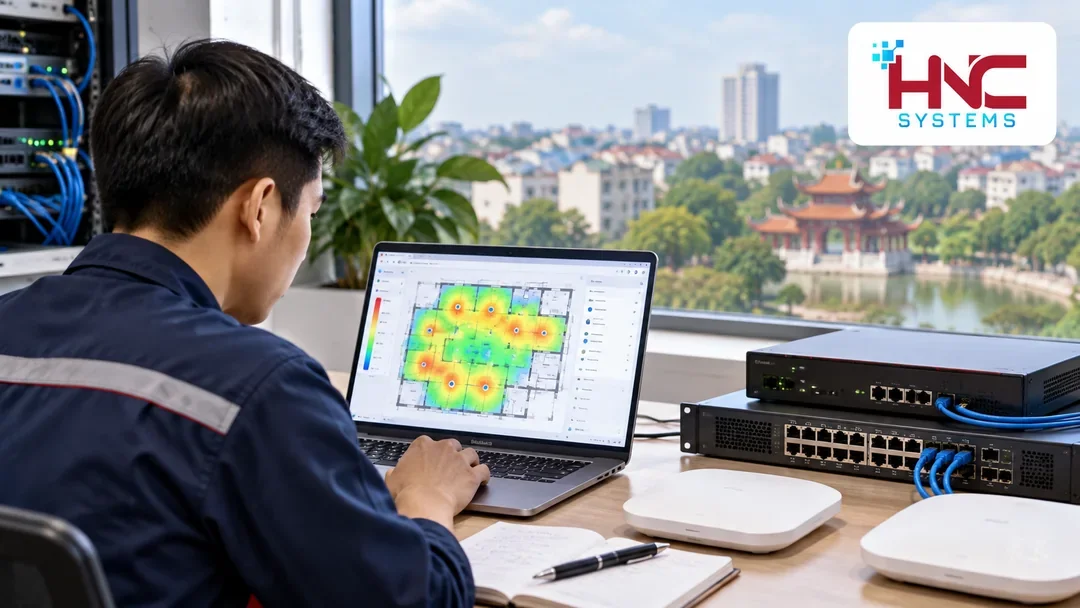
Understand the role of each component
APs provide wireless connectivity
APs accept connections from laptops, phones and other compatible devices. Select APs according to the installation environment, usage density and client-device capabilities. A newer Wi-Fi standard cannot automatically compensate for poor placement or an overloaded upstream connection.
Switches connect devices and may supply power
A switch brings together cables from APs and carries traffic into the business network. If using PoE, check the power standard, each port's capability and the total power budget. Also assess uplink speed against the combined load of connected devices.
Routers and firewalls control traffic paths
Routing and firewall devices perform functions defined by the chosen architecture, such as Internet connectivity or access control between networks. Identify which device is responsible for each policy to avoid overlapping configurations that are difficult to verify.
Choose a management model that fits your resources
Centralized management helps monitor equipment and apply consistent configurations. Depending on the solution, this function may run on a controller, in software or on a cloud platform. Not every system requires a separate hardware controller.
Clarify where configurations are stored, who owns the accounts, licensing requirements and how the system behaves if connectivity to the management platform is lost. These details depend on the product and deployment mode; do not infer them simply from the term cloud management.
Design VLANs together with access policies
In business Wi-Fi systems in Hung Yen, employee, guest and operational-device networks may have different access requirements. VLANs help segment the network, but communication between segments still requires suitable policies on the device responsible for access control.
- Identify which groups may use internal resources.
- Clarify which groups only need Internet access.
- Check the VLAN path through APs, switches and the gateway.
- Separate administrative privileges from ordinary user access.
- Retest access permissions after configuration changes.

Do not overlook foundational services
A device may see the Wi-Fi network name but still be unable to use applications if it has not received a network address or DNS resolution is incorrect. Identify where DHCP, DNS and any authentication services are provided, and how to check them when faults occur.
Naming APs by location, managing addresses clearly and synchronizing time make log correlation easier. During an incident, operators need to know which devices are affected and at which stage of the connection process the fault occurs.
Deploy in verified stages
- Survey: collect floor plans, usage loads, existing infrastructure details and access requirements.
- Design: document the connection topology, AP positions, power arrangements and network policies.
- Pre-deployment testing: check representative devices and important applications.
- Deployment: install cables, label connections, configure equipment and record changes.
- Acceptance testing: test coverage, load, access permissions and the agreed operating scenarios.
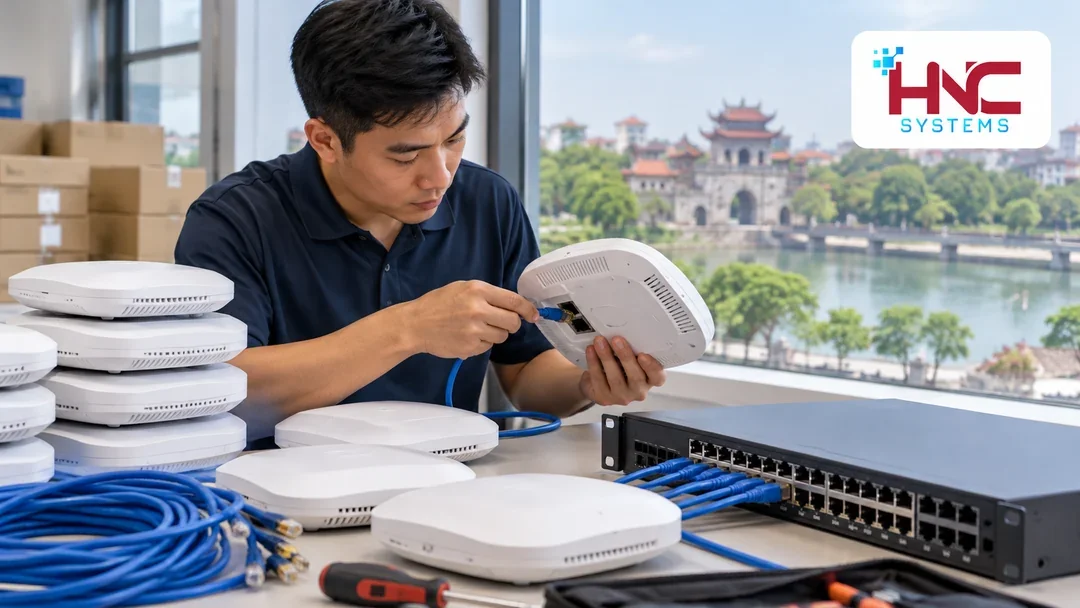
Hand over a system the business can operate
Documentation should include the network diagram, equipment inventory, configuration information delivered securely, and backup instructions. Agree who may make updates, when maintenance will take place and how to restore the system if a change does not meet requirements.
If redundancy is needed, specify which components are redundant and which failures will be tested. Two APs do not replace backup power for a switch; two Internet connections do not resolve every internal-network fault either.
Discuss the architecture with HNC Systems
Businesses planning business Wi-Fi systems in Hung Yen should gather their current network diagram, equipment to be retained and expansion requirements. Contact HNC Systems to discuss connectivity, management and handover arrangements appropriate to the scope of work.
HNC Systems · Hotline: 0918.899.229.