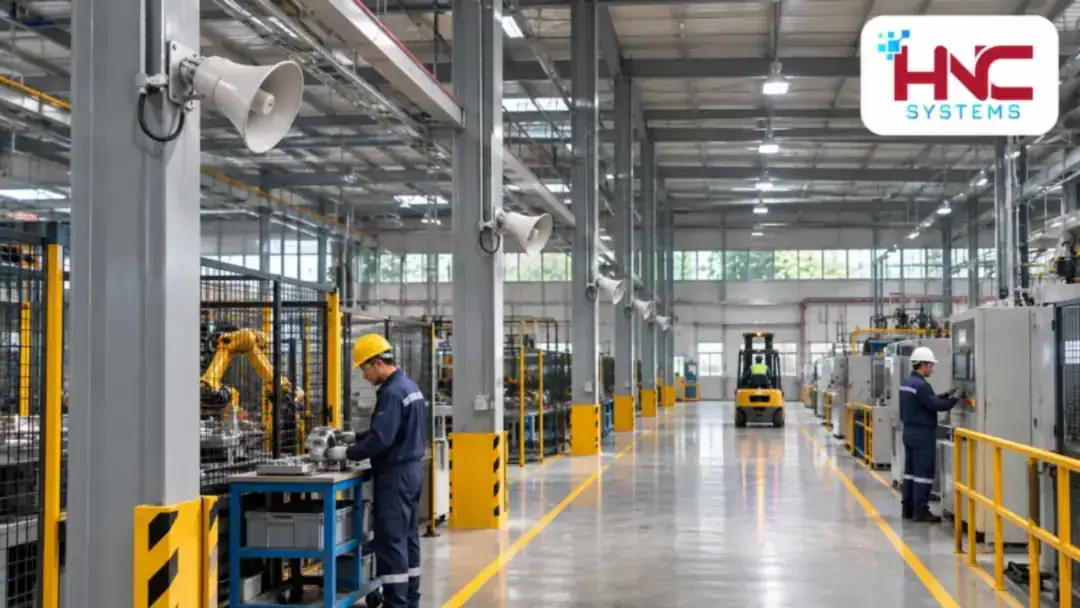



Email, sales software, online meetings and internal data all depend on connectivity. When building business networks in Hung Yen, identify which applications take priority, who may access them and which activities would be affected by an outage.
A suitable plan needs to consider the wired network, Wi-Fi, Internet connections and management. Simply upgrading the Internet plan may not resolve equipment bottlenecks, weak wireless coverage or incorrect access permissions.

Define requirements around real work
List user groups, the number of simultaneously active devices and the main applications. Employees using online documents, designers transferring large files and visiting customers have different needs. Cameras and attendance terminals should also be inventoried separately.
For a site with offices and a warehouse, survey both fixed-computer locations and routes where handheld devices are used. Floor plans, network-cabinet locations and expansion plans help avoid choosing a configuration that only meets current needs.
Segment access by user role
Group devices and define permitted traffic flows
Depending on the scale, networks can be divided into employee, guest, camera and management groups. VLANs provide logical separation, but communication between groups still needs appropriate access-control rules. Do not assume that creating VLANs fulfils every security requirement.
For example, guests only need the Internet, employees need shared printers, and only technical accounts should administer equipment. The permissions list should specify source, destination and purpose so it can be checked after configuration.
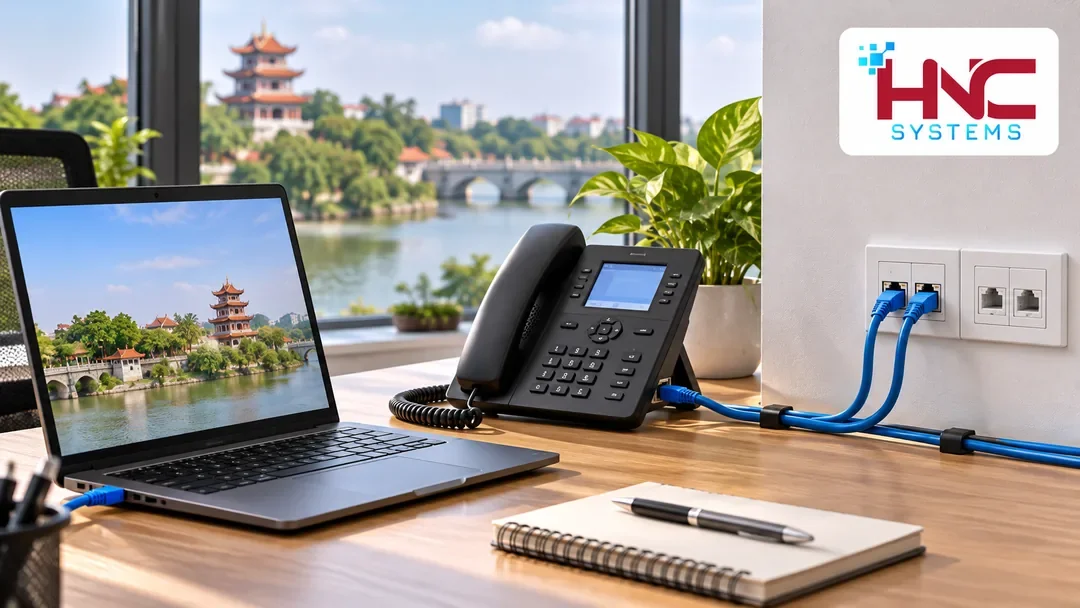
Verify permissions through specific scenarios
When carrying out acceptance testing for business networks in Hung Yen, test both permitted access and access that must be blocked. Can employee computers use the required applications? Are guest devices prevented from reaching the internal network? These questions are clearer than a general requirement for a “secure network”.
Combine wired networking and Wi-Fi appropriately
Consider dedicated wired connections for fixed computers, storage devices and locations requiring stable connectivity. Wi-Fi provides flexibility, but AP placement must account for obstacles, user density and the required coverage area.
Do not check signal bars alone. Test actual applications at desks, in meeting rooms and in transition areas. When many devices are active together, also evaluate the load on the access point, switch and backbone uplink.
Match redundancy to the impact of downtime
Identify which activities must continue and how much interruption is acceptable. Then assess a second Internet connection, backup power or replacement-equipment arrangements. Two connections are not automatically independent if they share a vulnerable point.
Switching connections may affect active sessions. Test loss of the primary connection, failover and restoration on an approved schedule. Record the affected applications, required actions and responsible person.
Manage the network for evidence-based troubleshooting
The system needs a connection diagram, consistent device names and a designated recipient for alerts. Monitoring port status, link utilization and disconnection events helps isolate issues instead of routinely restarting the entire network.
- Save configuration backups after approved changes.
- Record who manages accounts, equipment and connectivity contracts.
- Label outlets, patch cables and corresponding ports.
- Review access rights when personnel or usage requirements change.

Prepare information before consultation
Businesses can gather floor plans, user counts, critical applications and current faults. If reusing existing infrastructure, check cable condition, equipment management capabilities and expansion limits before finalizing the investment list.
To discuss business networks in Hung Yen, contact HNC Systems with your priority requirements. The proposal should clearly define equipment, deployment and handover scope so the business can review it easily.
HNC Systems · Hotline: 0918.899.229.